Free Chrome extension
A short pause
Just for you
Square breathing · Notice your surroundings · Cool water
Add to Chrome — FreeFor Chrome on desktopAvailable in the Chrome Web Store
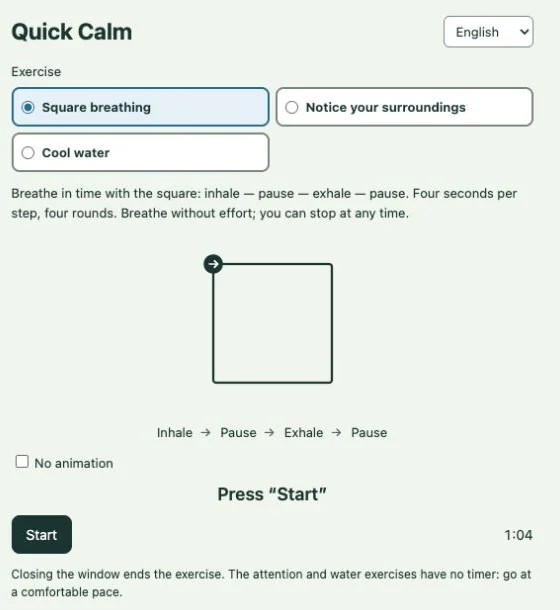
 Quick Calm
Square breathing
Simple ways to take a break
Small pauses. Room to reset
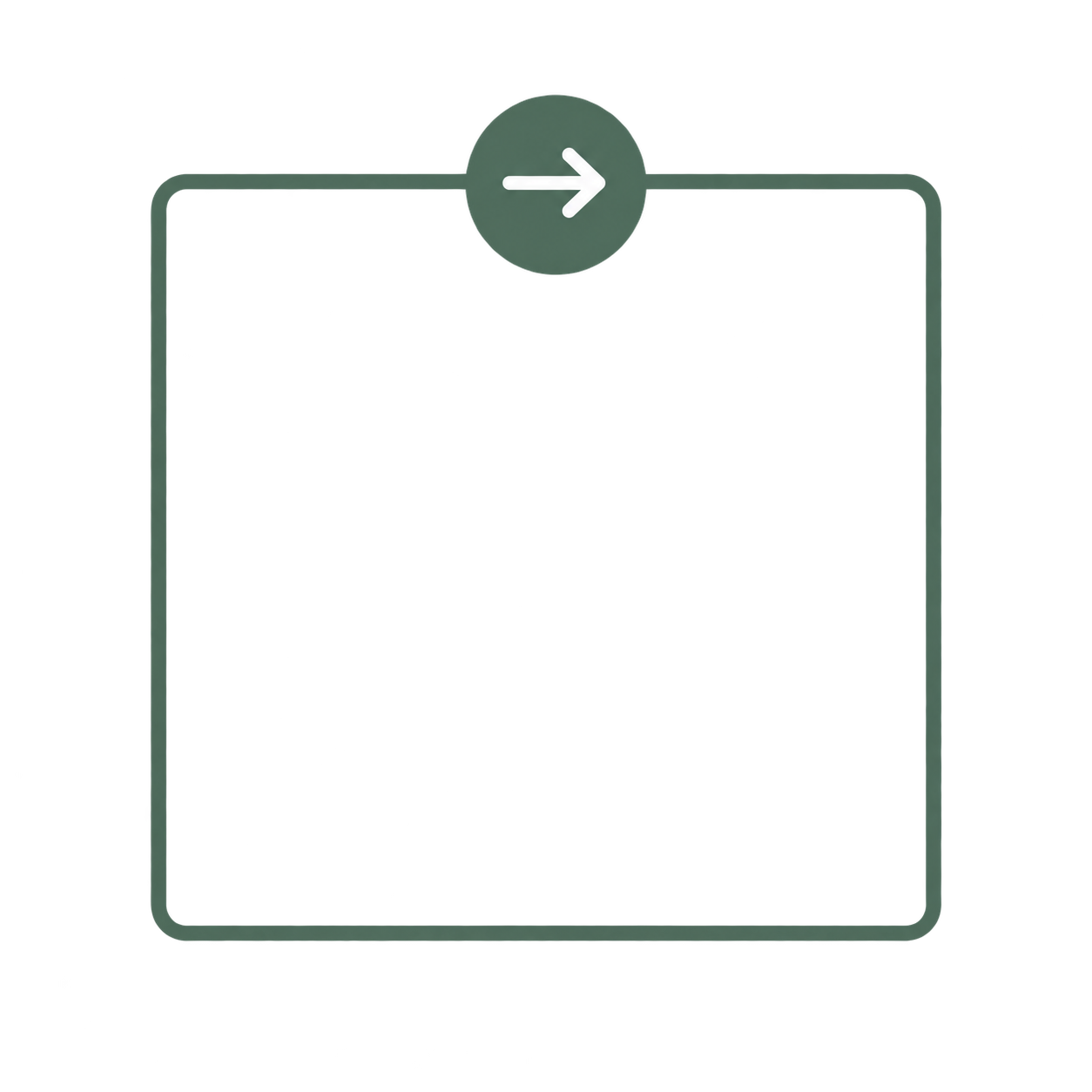
Square breathing
Breathe in time with the square: inhale — pause — exhale — pause. Four seconds per step, four rounds. Breathe without effort; you can stop at any time
Notice your surroundings
Name 3 objects, smells and sounds, then move 3 parts of your body. You can skip any step
Cool water
If it suits you, rinse your face with cool water and hold your hands under cool water. No icy water, face immersion or enduring the cold. Return whenever you wish
Closing this window ends the exercise
Keep a pause within reach
Install the extension, pin its icon in Chrome, then choose an exercise whenever you want a pause
Install
Open the Chrome Web Store and add the extension
Pin
Open Chrome’s Extensions menu and pin the extension to your toolbar
Take a pause
Select the extension icon, read the safety notes and choose an exercise
Available in the Chrome Web Store
Your pause, on your phone
Calm Down Fast for Android
Quick Calm gives you a short pause in Chrome. Away from your desk? Try Calm Down Fast on your phone
Choose a breathing, movement or focus exercise. Follow the steps at your own pace
Two exercises are free. Get the full set with one purchase. No subscription